
Free reaction test · no sign-up
Reaction Time Test
Red means wait. Green means press. Five clean tries give your median in milliseconds.
Visual test. Screen reader users may prefer the sound reaction test, which uses a beep instead of a colour change.
How the reaction test works
Press the panel to start. It turns red and stays red for a random 2 to 5 seconds, so you can't learn the rhythm. The moment it turns green, press: click, tap, Space, Enter or any letter key all count. Your time appears in milliseconds, then you go again until you have five clean tries.
- Pressing while it's red is a false start. The try doesn't count, the panel goes amber for a moment and you get a fresh random wait. False starts are listed on your result.
- Anything under 100 ms is treated as a guess. It's the same 0.100 s line World Athletics uses for sprint false starts. A genuine reaction that quick isn't realistic, so a time like that means you pressed before you saw the change.
- Your score is the median. Line up your five times and take the middle one. One slow try because you blinked doesn't drag it down, which is why we lead with the median and show the mean, best and slowest beside it.
- If you switch tabs mid-try, that try is voided and restarted. A hidden tab stops drawing frames, so the green couldn't appear on time.
A reaction tester is only as honest as its timing. We start the clock on the frame where the green is actually drawn and stop it with the timestamp the browser gives your press, not the moment our code got around to handling it. The method page walks through every step and its limits.
What your score means
Your result shows one of these labels. They compare you with typical online results; they say nothing about your health.
| Median | Label | What it means |
|---|---|---|
| Under 200 ms | Very fast | Faster than most people manage on a typical setup. |
| 200 to 249 ms | Fast | Quicker than the typical online result. |
| 250 to 299 ms | Typical | Around the usual online median (about 270 ms). |
| 300 to 349 ms | A bit slower than typical | Phones, Bluetooth mice and tiredness often add this much. |
| 350 ms or more | Slow on this run | Check your device on the input lag page and try again rested. |
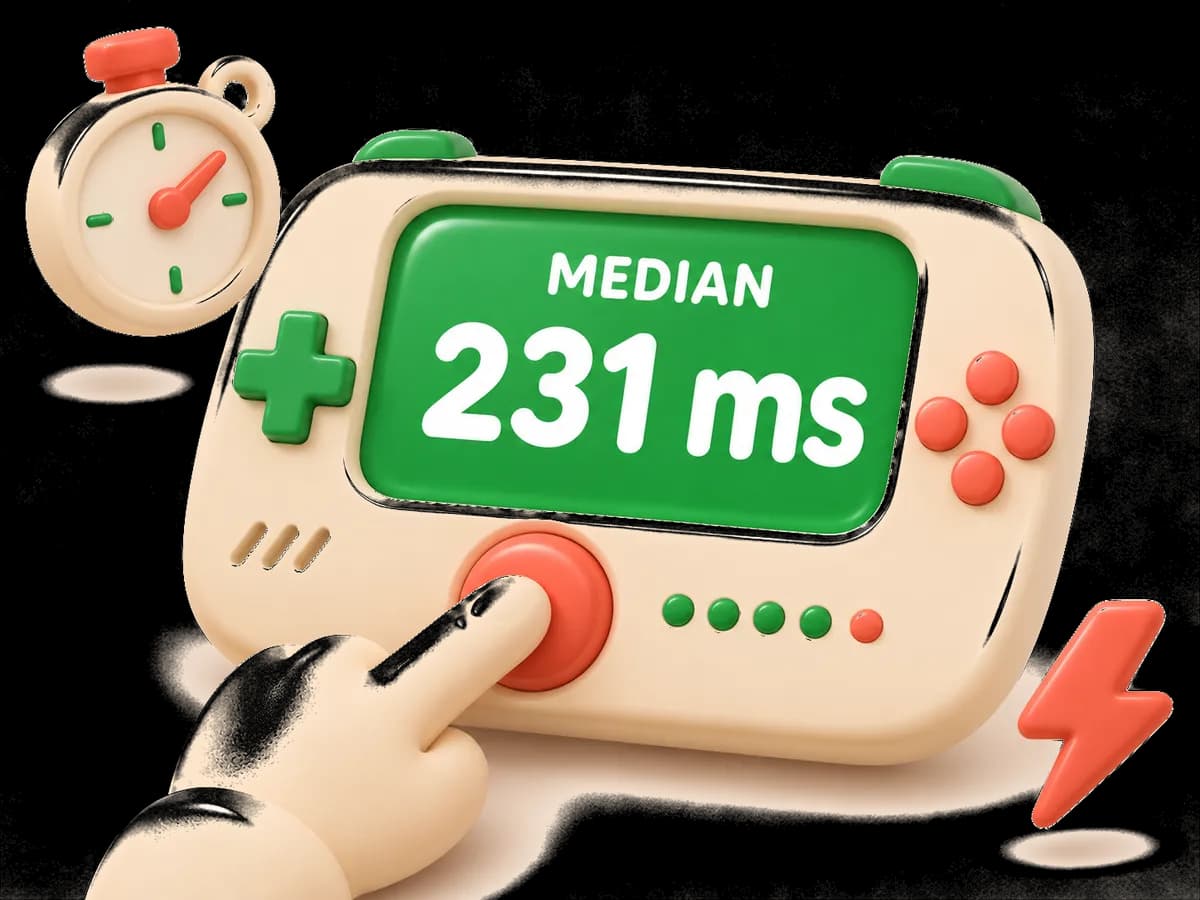
Two reference points. Human Benchmark, the best-known online test, reports a 273 ms median from over 81 million clicks. In a calibrated lab, Woods et al. (2015) measured 231 ms, or 213 ms after removing 17.8 ms of display and mouse delay. The full picture, including age and devices, is on the average reaction time page.
Why your device changes the number
Every result includes a slice of your hardware. A 60 Hz screen draws a new picture every 16.7 ms, so the green can reach the glass up to one frame after we draw it. A 144 Hz screen cuts that to 6.9 ms. Wireless mice, keyboards and especially touchscreens add more, and browsers differ too.
Your screen: measuring…
That's why your result card names the device, input and refresh rate you tested on, and why we never quietly subtract a guessed delay. If you want a fair comparison over time, use the same device each time. To see what your setup adds, try the input lag test or read how the timer works.
Eight more ways to test yourself
More reaction tests
 F1 Reaction TestFive red lights, a random hold, then lights out. Jump starts get caught.
 Sound Reaction TestHear the beep, press. Includes a sprint start with the 0.100 s rule.
 Choice Reaction TestPress the key that matches the light, with 2, 4 or 6 choices.
 Go/No-Go TestPress fast for green, hold still for red. 30 signals.
 Reaction Time DuelA duel link with the same delays, two players on one screen, or a live race.
 Ruler Drop TestCatch a falling ruler, type the distance, get your time in ms.
 Input Lag TestYour screen's real refresh rate, mouse polling and browser delay.
 Reaction TrainerA 5-minute daily set that tracks your median, spread and streak.
Not sure which to play? The reaction games page compares them.
2 to 8 players
Play against friends
Three ways, all free and without accounts:
- Duel link. Finish a set and send the link. Your friend gets the exact same random waits, five tries, and a side-by-side result.
- Same screen. Two players on one phone or keyboard. First to press after green wins the point.
- Live race. Open a room, share the four-letter code, and up to eight people race five rounds at once.
Tips for a fair result
- Use a wired mouse or keyboard if you have one. Bluetooth and wireless gear can add delay you can't see.
- Close other tabs and heavy apps. A busy computer can drop frames, and we void any try where the green frame arrived late.
- On a laptop or phone, turn battery saver off. Some phones drop the screen to a lower refresh rate to save power.
- Test on the same device each time, so changes in your score are changes in you.
- Sit up, look at the centre of the panel and keep a finger resting on the button. Don't try to time the wait; it's random.
Want to get quicker? The reaction trainer runs a five-minute set each day and tracks your median and spread. Want to know how age changes it? See average reaction time.
FAQ
Reaction test questions
What is a good reaction time?
Under about 250 ms on a computer is quicker than typical; online tests report medians around 270 ms.
How do I calculate my reaction time?
It is the time from the screen change to your press. We take the median of five valid tries.
Is a 0.1 second reaction time possible?
Not as a genuine reaction to a light; scores under 100 ms are guesses, so we don't count them.
Does age affect reaction time?
Slightly. One large study found about half a millisecond slower per year of adult age (see the average page).
Why is my score slower on my phone?
Touchscreens and phone displays add delay; compare results on the same device.
Does this work on a school Chromebook?
Yes. It's a plain web page with nothing to install.
How is this different from Human Benchmark?
Both use red-to-green. We time from the painted frame with the browser's high-resolution clock, report the median, show your device's refresh rate and let you duel a friend.